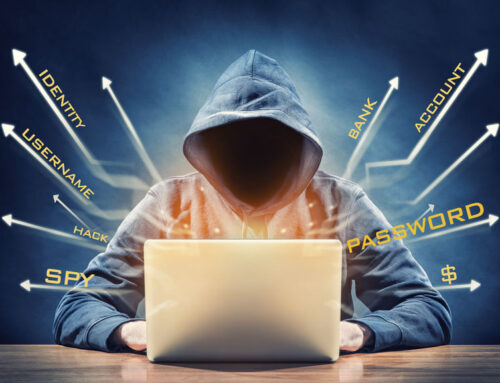

Recently, we have had a few clients, whose emails were hijacked. Basically, their email tokens were stolen. What is an email token? It is like a temporary digital key that proves you are logged into an account or application. Unlike a password, which you must enter each time, a token allows you to stay logged in, making it a very convenient target for thieves.
Stolen email tokens are digital credentials, like session tokens or encrypted keys, that have been illicitly captured by attackers to gain unauthorized access to a user’s email account and other linked systems. Once stolen, these tokens allow hackers to impersonate the user, bypass passwords and even multi-factor authentication, and access sensitive information.
Attackers use various methods to steal tokens, including malware that harvests them from a device, “man-in-the-middle” attacks, or by exploiting vulnerabilities in the system itself.
If this sounds ominous, it is, but here are the steps you can take to protect yourself:
- Use strong security measures. Keep your operating system and all software updated to patch vulnerabilities, and use reputable antivirus software. Your MSP will handle these updates. Check with them, but usually they are updated on a weekly basis or when critical vulnerabilities are reported, they will update them on the same day. In addition, ask about using a more powerful antivirus like SentinelOne. It not only flags dangerous emails and attachments, but it also takes action by blocking them, even if you accidentally click on one.
- Be wary of phishing attempts. Never click on suspicious links or download attachments from unknown senders. By implementing a tool to protect against phishing like Barracuda, you can eliminate most of the dangerous emails. Training for employees using KnowBe4 or other services is also recommended.
- Implement conditional access policies. Organizations can use tools to enforce policies, such as limiting the lifetime of a session token, which forces users to re-authenticate more frequently, reducing the window of opportunity for attackers. Microsoft offers several security upgrade features to Office 365 with additional licensing (Entra P2). These can help you create policies to stop logins from foreign countries, logins at unusual times – or even which device they are allowed to connect to Office 365, for example.
- Monitor for unusual activity. Pay attention to any strange behavior with your account, such as an inability to log in, or new and unfamiliar devices or sign-in locations appearing in your account history. Use your MSP to check on anything that does not seem normal. They can confirm that your account is secure and check on unusual activity without compromising your system or company’s network.
As always, reach out to us with any questions!